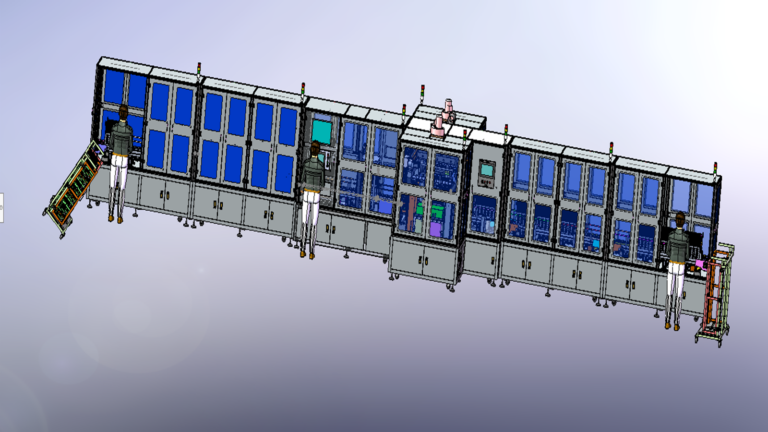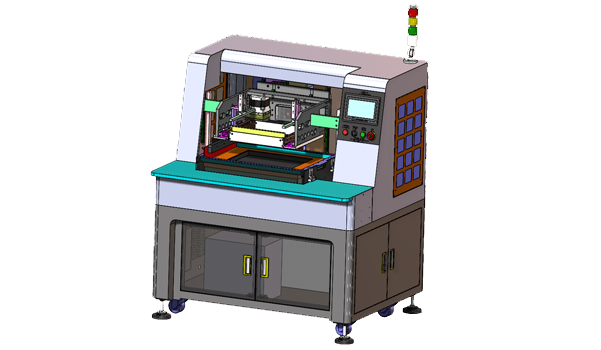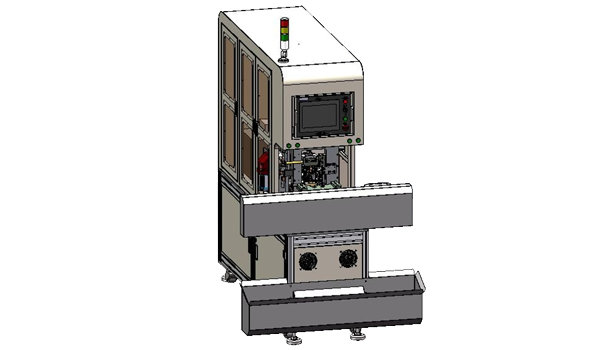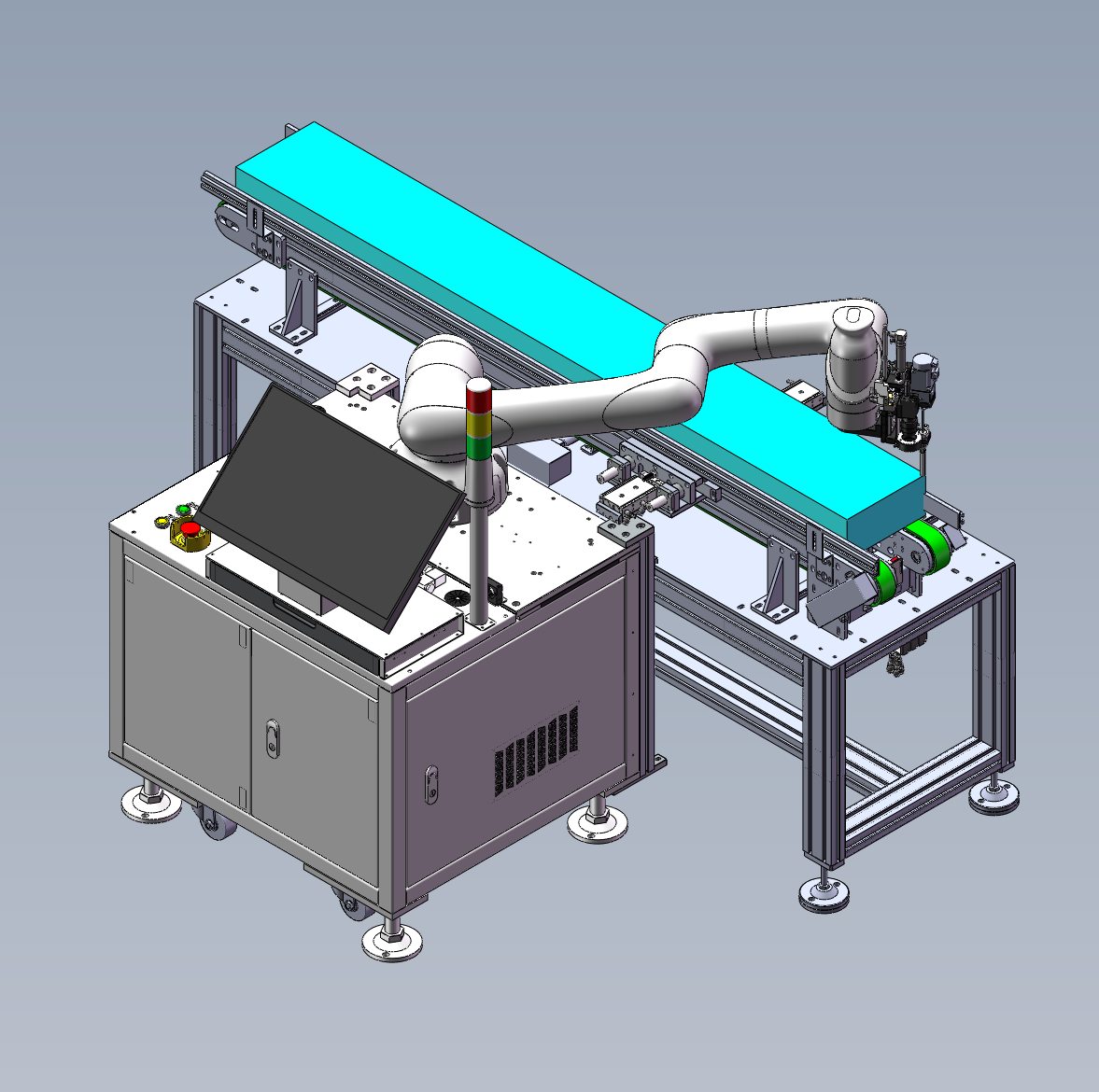
In Battery & Energy Storage assembly, automated fastening systems have to account for product footprint, the distribution of fastening points, and the existing loading method on the line. In this Six-Axis Robot Screw-Fastening Workstation project, Robotlyne handled products up to 1.9 m in size. The products continue to enter the workstation on the customer’s existing double-speed conveyor and are pushed into the working position by the operator. Once inside the fastening area, a six-axis robot moves the Fastening Attachment across the product and uses Vision Secondary Positioning to locate the actual fastening point. The project handles two screw specifications: M4 × 9 and M3 × 8.
This mechanical relationship suits a large workpiece: once the product enters a defined working area, it remains at the Fixture / Conveyor Position while the Robot Reach covers multiple Screw Locations. The robot provides large-area movement, Vision performs local position confirmation near each fastening point, and the Fastening Tool completes the final screwdriving action.
Robotlyne’s Automated Screwdriving & Fastening solutions include Dedicated Screwdriving Systems and Robotic Automated Fastening Systems. For applications with multiple fastening faces, product variants, or widely distributed Screw Positions, a six-axis robot can reach different areas around the workpiece.
Once the 1.9 m Product Enters the Workstation, Most of the Motion Shifts to the Robot
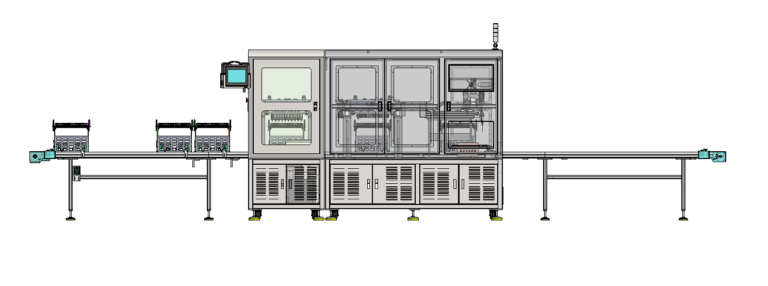
This project retains the customer’s existing Manual Double-Speed Conveyor.
The operator pushes the product into the specified working position and presses Start. After fastening is complete, the operator pushes the Finished Product out.
The 1.9 m Product therefore does not have to undergo repeated large-range transfers around different Screw Positions during one fastening cycle.
It first enters the Robot Work Envelope.
The components that then move are:
Six-Axis Robot
and the robot-mounted:
Screw-Fastening Attachment
The motion relationship can be simplified as:
Large Product enters work position
↓
Product position is established
↓
Robot moves across the fastening area
↓
Fastening tool reaches each screw location
For smaller parts, an Indexing Table, Linear Module, or Fixture Transfer can bring different locations under a fixed tool.
When the product size approaches 1.9 m, repeatedly moving the complete Product / Fixture also requires a larger motion envelope.
With a six-axis robot, the workpiece can remain in its current working area while the Robot uses its Reach to move between different Fastening Positions.
This also allows the existing Conveyor to keep doing what it already does: move the large product into the workstation and then move it out.
Once the product is in the work area, the Conveyor no longer has to position every individual Screw Location.
The Robot Workstation can therefore be installed around the existing Material Flow instead of forcing the entire line layout to be reorganized around the Screwdriving Equipment.
The Robot Covers the Large Area; Vision Corrects the Final Local Position
Holding a large product within one work area does not mean that every Screw Position can rely only on a fixed set of absolute coordinates in the Robot Program.
The workstation therefore uses Vision Secondary Positioning.
Robotlyne establishes two levels of positioning in the cell.
The first comes from the complete Product / Fixture.
It gives the Robot a global working range:
Which area of the product contains the screw?
The second level begins after the Robot reaches the target region.
Vision then confirms the current Fastening Location.
The fastening cycle therefore follows this sequence:
Product / Fixture establishes global position
↓
Six-Axis Robot reaches the target region
↓
Vision confirms the local fastening point
↓
Fastening Tool completes screwdriving
The Robot handles the large-scale movement across the 1.9 m product.
Vision handles the local positional relationship around the fastening point.
The two motion scales are separated.
This is different from simply using a robot with a larger reach.
Without the final Local Position Confirmation, even a Robot that can physically reach the far end of the product would still depend on upstream mechanical positioning to bring the actual Screw Position into the programmed coordinate.
With Vision added, the Robot first completes the ‘reach this region’ movement, and Vision then completes the ‘reach this exact point’ correction.
The larger the product and the more widely distributed the fastening points, the more clearly this Global Reach + Local Correction relationship appears.
The Fastening Attachment still performs a very small local action:
align with screw position → engage → fasten
The six-axis robot simply brings that local action to multiple positions across the large workpiece.
M4 × 9 and M3 × 8 Screws Enter the Same Robot Cell
The large working area is not the only variable in this project.
The workstation also has to handle two screw specifications:
M4 × 9
and:
M3 × 8
Robotlyne configured Two Screw Feeders, using Vacuum Pickup for screw supply.
The same Robot Workstation can therefore run around different products and Fastening Requirements.
During normal production:
Screw Feeder provides fastener
↓
Robot approaches fastening region
↓
Vision confirms location
↓
Fastening attachment completes screwdriving
When the product or Screw Requirement changes, the operator replaces the corresponding Suction Nozzle and Driver Bit, then uses the appropriate production setup.
The Two Feeders provide a continuous source for the two screw types.
The Nozzle and Driver Bit correspond to the actual Fastening End.
This configuration allows the Robot Body, Vision System, and Work Envelope to remain shared while Screw Feeding and end-tool configuration adapt to different fastening requirements.
For a product up to 1.9 m long, this is more practical than building separate Screwdriving Stations for different Screw Types or fastening regions simply to cover the same workpiece.
The complete action is concentrated into a short logic:
Large product enters one work position
↓
Robot covers different fastening regions
↓
Vision confirms local position
↓
M4 × 9 / M3 × 8 screws enter from the corresponding feeder
↓
Fastening Tool completes screwdriving
↓
Product leaves the workstation
The workstation software also integrates Robot Control, Motion Algorithms, and Screw-Fastening Process Control, with support for local Production Data Storage, MES Interface, and Production Chart Display, keeping fastening actions and production records within the same station.
For large Battery & Energy Storage assemblies that already use an existing Conveyor and Fixture, while Screw Positions are distributed across a wide working range, contact Robotlyne to plan the corresponding Automated Fastening Systems around the actual Product Size, Robot Reach, Fastening Locations, Screw Types, and existing Material Flow.